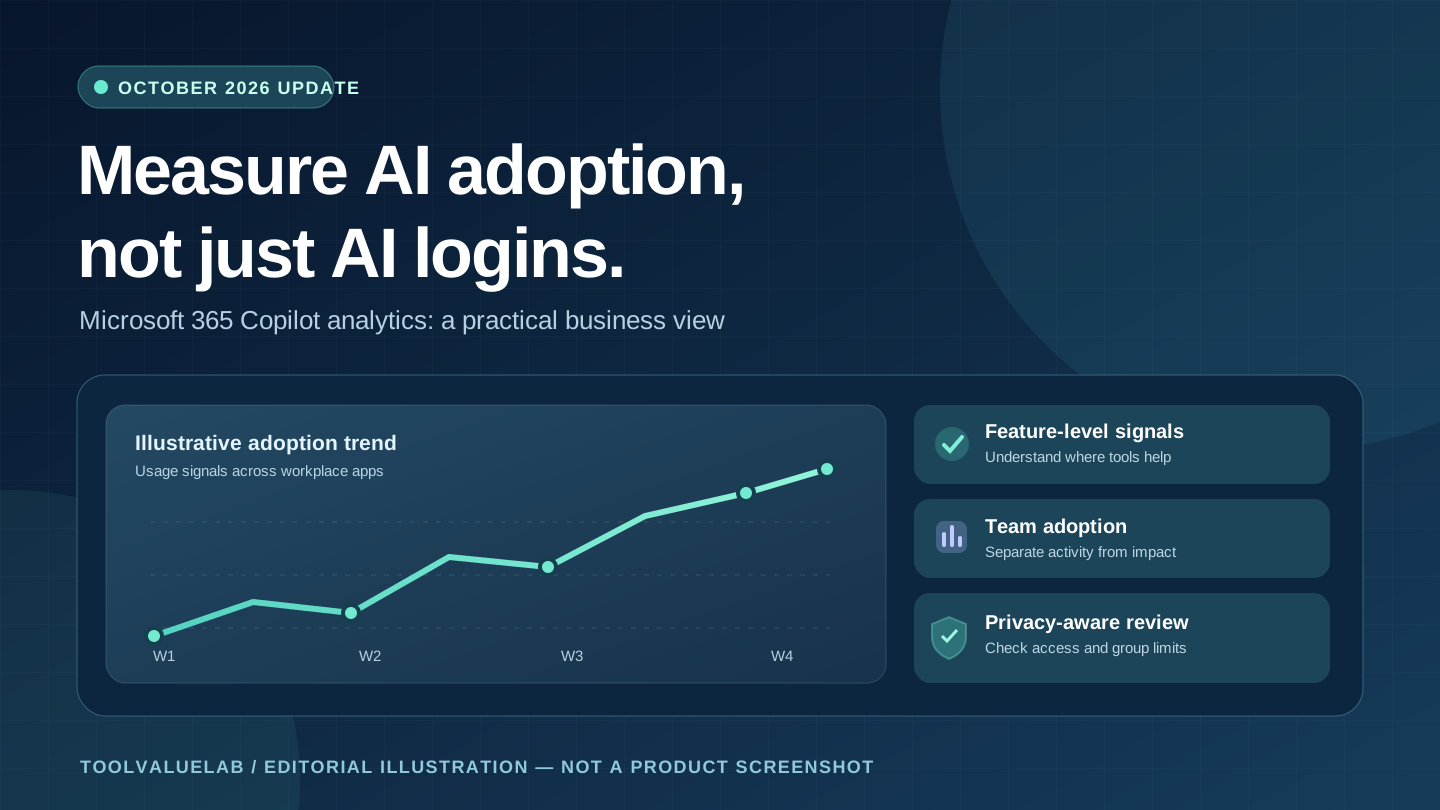
Updated November 1, 2026. Microsoft's October 27 Microsoft 365 Copilot release notes describe expanded usage metrics across its productivity apps. For IT administrators and business owners, the important question is not simply whether employees opened Copilot. It is whether people are using specific capabilities in useful workflows—and whether the organization can evaluate that adoption without mistaking activity for business results.
In brief: Microsoft says its newer Copilot analytics cover additional actions in the Microsoft 365 Copilot app, Edge, and OneNote, along with use cases in Outlook, Word, Excel, and PowerPoint. The release notes mention suggested replies, translation, coaching, and data cleaning. The metrics are intended to make the Copilot Dashboard and advanced analysis in Viva Insights more informative. Availability and depth of reporting depend on licensing, administrative access, and gradual rollout; this is not a promise that every company can see every metric today.
What Microsoft announced on October 27, 2026
Microsoft's official Microsoft 365 Copilot release notes group this update under the changes released between October 13 and October 27, 2026. The entry, “Insights - New Copilot Metrics Available,” is marked for the web and identifies Microsoft 365 roadmap item 557981. It describes more detailed visibility into the actions people take with Copilot rather than only broad usage patterns.
The company specifically names interactions in the Copilot app, Microsoft Edge and OneNote, plus common tasks in Outlook, Word, Excel and PowerPoint. This matters because “we have 30 licensed users” and “our team uses Copilot to prepare customer replies or clean spreadsheet data” are very different management statements. The first is a procurement fact. The second, when supported by appropriate usage evidence, can inform training and process decisions.
The announcement does not establish a new universal price, a guaranteed productivity gain, or immediate worldwide access to every advanced analytics view. Microsoft's release notes explain that features are introduced through gradual tenant rollout. Administrators should check the feature and license availability in their own environment before making purchasing or policy decisions.
What is actually new compared with earlier reporting?
Previously, a high-level adoption report could tell a business whether Copilot was being used, but it offered less detail about how employees interacted with particular features. The new entry expands the range of app-level and task-level signals. For example, an administrator may be able to distinguish a general increase in Copilot activity from use of suggested replies in Outlook or data-cleaning assistance in Excel, subject to the metrics actually enabled for that tenant.
That distinction changes the questions a manager can ask. Instead of “Why are half our licenses inactive?” a more productive question becomes “Which recurring tasks are employees trying to improve, and what training would make those tasks safer and faster?” Metrics are a starting point for interviews and workflow review, not proof that a task was completed correctly.
Which businesses benefit most?
Small and midsize businesses with Microsoft 365 already embedded in daily work are natural candidates for an adoption review. A sales operations team might look for Copilot-assisted drafting in Outlook and compare it with its existing customer-response process. A finance team could explore Excel-related activity, then independently assess whether reconciliations or reporting became more accurate. A service business might ask whether staff are using AI assistance for routine documents while preserving human approval for sensitive communication.
For organizations in the United States, United Kingdom, Canada and Australia, the decision framework is broadly similar: examine existing Microsoft 365 workflows, verify the available license and reporting features, and apply the organization's own privacy and data-handling obligations. This article does not assume identical subscriptions, regional availability or regulatory requirements across those countries.
Teams considering multiple tools can also review our practical AI tools guide for small businesses before treating a Microsoft-only report as a full picture of company AI adoption.
The license limitation many small teams will miss
The Microsoft Copilot Dashboard documentation explains that dashboard capabilities depend on the number of assigned Copilot or Viva Insights licenses. Some basic dashboard access is available to eligible Microsoft 365 or Office 365 business and enterprise customers, but access to more advanced views is not universal.
Microsoft distinguishes organizations with one to 49 assigned Copilot licenses from those with at least 50. The larger-license tier, or an eligible threshold of Viva Insights licenses, can unlock agent-related insights, benchmarks, intelligent summaries and certain scoped group-level features. A five-person company should therefore not assume that every dashboard screenshot or advanced analytics tutorial applies to its account.
The same documentation says the standard readiness, adoption and impact pages cover a previous 28-day window and can have a data delay of up to six days. If a new team policy is introduced on Monday, the dashboard may not reflect it immediately. Record the reporting window and data freshness alongside any management conclusions.
How to run a useful 30-day Copilot adoption review
- Pick three measurable workflows. Examples include drafting follow-up emails, producing first-pass meeting summaries, or organizing spreadsheet data. Choose workflows that already matter to the business, rather than inventing tasks to justify an AI subscription.
- Establish a baseline. Before the review, record the approximate time, error rate or revision burden for each workflow using your existing quality checks. Keep this separate from Copilot's own activity metrics.
- Confirm reporting access. Open the Copilot Dashboard through Viva Insights if your account is eligible. Check the available features, permissions, reporting dates and licensing requirements. Do not assume Advanced Analysis is present for every tenant.
- Offer targeted training. If employees are not using a feature, first determine whether it is unavailable, difficult to discover, unnecessary, or restricted by policy. A short practical demonstration is often more informative than an adoption target.
- Review outcomes with human judgment. Compare representative work samples, review correction rates, ask employees where assistance was useful, and note where AI introduced additional checking. Use usage data to guide questions, not to declare return on investment.
- Decide what to keep. Retain workflows with demonstrated usefulness and appropriate safeguards. Reduce or rethink licenses that do not fit the work. Revisit the decision as features and pricing change.
A simple scorecard might contain workflow name, eligible users, observed feature use, time spent reviewing output, quality exceptions, staff feedback and a decision owner. Do not publish individual employee rankings from aggregate dashboard figures.
Privacy and governance: do not turn adoption into surveillance
Copilot usage reporting is not a license to monitor employees without appropriate governance. Microsoft's Viva privacy documentation describes access controls and aggregated or deidentified manager and organizational insights. The available views and minimum group sizes are intended to reduce exposure of individual behavior.
Administrators should check who can view reports, whether a small group can be identified indirectly, how long exports are retained, and what local employment or privacy rules apply. A manager should not infer individual performance from a chart showing feature activity. Similarly, higher AI usage is not automatically better: sometimes the correct decision is to avoid an AI tool for a sensitive workflow.
When teams connect Copilot to other business data, review connector permissions and information-sharing boundaries separately. For example, CRM records, customer correspondence and confidential contracts require access controls beyond merely enabling analytics. Our five-person CRM comparison explains how small teams can evaluate workflow and migration risks before connecting systems.
What about the Learning Agent in the same release?
Microsoft's October 27 notes also describe a Learning Agent for Microsoft 365 Copilot on Windows, intended to provide personalized microlearning and structured learning experiences. It is a separate feature from the new usage metrics. Together, the announcements suggest a practical cycle: discover where employees need help, provide relevant training, then assess whether the underlying work improves.
Microsoft provides an entry point for the Learning Agent in its release notes, but administrators should still verify whether it is available and approved for their users. The presence of an announcement does not mean every employee in every region can launch the feature on the same date.
What the update does not tell us
The release notes do not quantify the average time saved by the newly measured actions, provide a universal financial return for Copilot, or establish that all measured tasks are successful. They also do not confirm a new subscription price for this analytics update. Any comparison of licensing costs should use the live Microsoft offer for the buyer's country, term and plan rather than a number copied from an unrelated article.
There is also a measurement trap: users may complete work with other AI tools, built-in app functions, or manual processes that the Microsoft dashboard cannot observe. Use Copilot analytics as one part of an operational review, not a comprehensive account of productivity or company-wide AI adoption.
Bottom line for IT leads and business owners
Microsoft's October 27, 2026 Copilot analytics update is most useful as a reason to improve how businesses evaluate AI, rather than as another reason to buy more licenses. Start with a handful of important workflows, confirm the actual reporting capabilities in your tenant, account for data delays and privacy safeguards, and pair feature activity with independent quality and time measurements.
For related business-software decisions, see our Zoho Analytics AI update explainer. Different analytics products measure different things; neither a usage dashboard nor an AI agent announcement substitutes for a clear business goal.
Official sources and publication note
- Microsoft 365 Copilot release notes — October 27, 2026 (announcement and platform-specific changes).
- Microsoft Copilot Dashboard documentation (licensing, reporting windows and feature availability).
- Microsoft Viva privacy documentation (privacy and access-control context).
Editorial disclosure: This article is based on official documentation and independent analysis of potential business workflows. It is not a hands-on product test or a claim of measured customer savings. The featured illustration is original editorial artwork, not an actual Microsoft product screenshot.