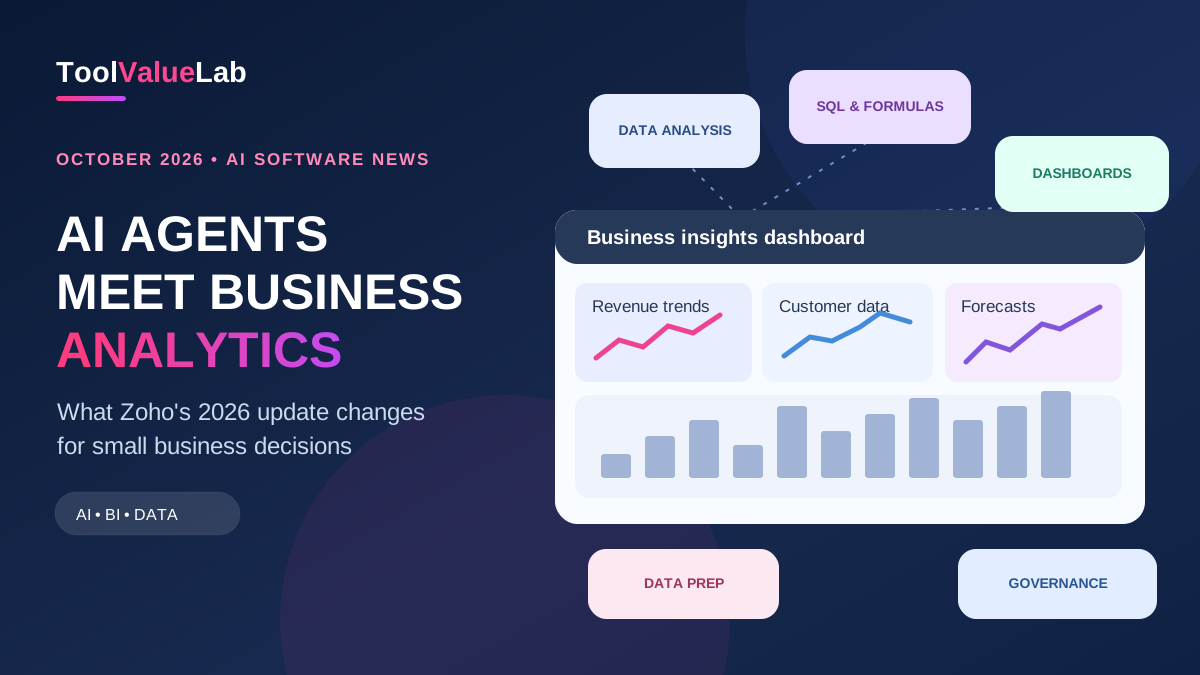
News | October 30, 2026. Zoho announced a major update to Zoho Analytics on October 28, positioning its business intelligence software as an “agentic analytics” platform. The headline change is a reworked Ask Zia assistant, with specialized agents to analyze data, prepare pipelines, generate queries and build visualizations. For small businesses, the meaningful question is whether these additions can shorten the path from a spreadsheet or CRM export to a trustworthy decision.
That answer depends on your data quality, subscription tier and rollout region. Some capabilities are available on entry-level plans, while advanced data preparation and coding agents are not. This article separates what Zoho announced from what a business should actually test before buying.
What Zoho announced on October 28, 2026
Zoho’s October 28 launch moves the product beyond dashboards toward assistants that can take steps across an analytics workflow. Its official release description says Ask Zia coordinates specialized agents for analysis, data preparation, visualizations, SQL, formulas and data science/code. The broader platform introduces business-context tooling, governance controls, custom agents and more ways to connect outside applications.
The defining technical idea is business context. If your sales team calls paid invoices “revenue,” but your accounting team uses booked orders, an AI answer to “What was revenue last month?” can be misleading. Zoho’s semantic model lets organizations define measures; its ontology describes how entities such as contacts, customers and orders relate. These are configuration tools, not a guarantee that every answer will be correct.
Independent coverage from TechTarget also emphasized the semantic layer and data catalog as the foundation for the agent functions. These announcements describe vendor capabilities, not independently measured productivity improvements.
Which AI agents can actually help a small team?
| Capability | Practical business question | Plan caveat |
|---|---|---|
| Analysis Agent | Why did sales drop last week? | Basic analysis is available broadly; diagnostic analysis is limited to Premium/Enterprise |
| SQL Agent | Write a query for repeat customers by month | Listed across plans; verify data permissions |
| Formula Agent | Create a margin calculation from approved fields | Listed across plans |
| Visualization Agent | Build a dashboard for orders and returns | Listed across plans; Free has model/BYOK restrictions |
| Slideshow Agent | Prepare a presentation of monthly KPIs | Basic and above |
| Data Prep Agent | Clean inconsistent CRM exports into a pipeline | Premium and Enterprise |
| DSML Coding Agent | Prototype a forecasting or classification workflow | Premium and Enterprise |
Zoho’s documentation currently lists seven individual agent capabilities, while its main launch article describes Ask Zia orchestrating six specialized agents. That difference reflects how the company groups and presents capabilities; buyers should rely on the current feature-by-plan matrix for entitlement checks rather than assuming every agent is available in every plan.
Why the semantic layer matters more than the chatbot
Imagine a small e-commerce business operating in the United States and Canada. Its payment provider records transactions, its store tracks returns, and its CRM records customer acquisition. A useful weekly report might need to distinguish gross orders, refunds, collected revenue and repeat customers. An AI model that cannot identify those fields consistently could generate a persuasive-looking but wrong explanation.
Zoho’s new semantic layer is designed to map approved business definitions to source fields; ontology models relationships across systems; scoped access is intended to keep an agent working within permitted data. When setting this up, a business owner should still review currency conversion, time zones, refund treatment and duplicate customers manually. A definition agreed upon by finance and sales is more valuable than an impressive dashboard built from conflicting numbers.
For smaller teams without data engineers, the biggest opportunity is reducing repetitive report preparation. The biggest risk is trusting a summary before validating the joins and definitions behind it.
Pricing, credits and rollout: read this before upgrading
Zoho says the release does not change its underlying Zoho Analytics subscription prices. It adds monthly Zoho LLM credits and a one-time pool of Zoho Key System credits for supported external models; extra credits are available. In its release post, Zoho cites 10,000 Zoho LLM credits for its Basic plan, described there as covering two users and 500,000 rows. This is a vendor-stated allowance, not an estimate of how many prompts your team can run. Real usage depends on the operation and AI vendor.
Cloud features are rolling out gradually by region and account. Certain previews, including the ontology and semantic-model experiences, were expected over a four-to-eight-week window after the announcement. Zoho said its on-premises edition would receive these changes in Q1 2027. Therefore “announced October 28” does not mean every capability is active for every customer on October 30.
For the Free plan, Zoho’s AI settings documentation says external AI vendors may require your own API key, and the Visualization Agent needs OpenAI BYOK. Paid tiers also differ on advanced capabilities. Confirm your exact account entitlement, credit balance, region and data-processing terms before making a procurement decision.
Is it worth considering against Power BI or Looker Studio?
It depends on the job. Microsoft Power BI remains a natural evaluation candidate for organizations deeply invested in Microsoft data and governance tools, while Google Looker Studio can be a practical starting point for visualizing marketing data. Zoho Analytics may be particularly appealing when your CRM, support or finance workflows already sit in the Zoho ecosystem. None of those fit claims implies that ToolValueLab has benchmarked the three products in identical real-world conditions.
Instead of asking which tool has the most AI features, compare: connector availability; how easily your team can define metrics; row-level access control; total subscription and AI-credit costs; export portability; and time required to produce one reliable report. If another product already solves the workflow, a new AI feature alone may not justify migrating.
For a broader starting point, see our guide to AI tools for small businesses, which explains how to select one measurable use case before building a full software stack.
Five-step pilot for a small business
- Choose one decision. For example, “Which acquisition channels bring customers who purchase a second time?” Avoid trying to automate your entire reporting system in week one.
- Validate a small dataset. Import or connect approved sample data, then reconcile order counts and revenue with the system of record.
- Define metrics together. Agree on a shared meaning for revenue, margin, churn or repeat customers before configuring AI summaries.
- Test the right agent. Ask for an explanatory breakdown and a visual report. Check source filters, numbers, permissions and citations to the underlying data. Repeat with a deliberately tricky edge case, such as refunds or duplicate contacts.
- Measure time and mistakes. Compare the time to a correct report against your current workflow, including setup, human review and AI credits. Scale only if the outcome improves.
For UK, EU or other regulated data, review your organization's privacy, retention and data-transfer requirements rather than assuming that a vendor's general AI promise covers your specific use. The same principle applies to US, Canadian and Australian customer records.
Frequently asked questions
Did Zoho Analytics launch new AI agents in October 2026?
Yes. Zoho's October 28 announcement describes a refreshed Ask Zia experience and new agentic analytics capabilities. Feature availability varies by plan and rollout stage.
Does every Zoho Analytics plan include every AI agent?
No. Zoho's official availability matrix distinguishes entry-level analysis, SQL and formula functions from Premium/Enterprise-only Data Prep and DSML Coding agents. Model access on Free can require bringing an external key.
Are the new features immediately available worldwide?
No universal immediate-availability promise should be inferred. Zoho states that cloud features are rolling out progressively across users and regions, with some preview capabilities following later and an on-premises update planned for Q1 2027.
Should small businesses replace their current BI software?
Not automatically. Run a small pilot using your actual reporting requirement and compare accuracy, maintenance, total costs and permissions before moving data or cancelling an existing platform.
Bottom line
The October 28 Zoho Analytics announcement is significant because it pairs conversational analysis with stronger business-context and governance tooling. For small businesses, that combination may be more useful than another chatbot that produces generic charts. But rollout timing, AI-credit consumption, plan restrictions and data quality determine whether it delivers real value. Test one reporting decision first; do not mistake feature announcements for proven performance.
Sources and disclosure: Primary reporting is based on Zoho's October 28 announcement, the release overview and the official plan/AI settings matrix, cross-checked against independent TechTarget reporting. ToolValueLab has not performed first-hand testing for this report. The illustration is conceptual artwork, not an actual Zoho interface or a performance claim. Product availability may change after publication.